gear
Baby monitors UK: Wi-Fi, video or audio?
Compare Wi-Fi, video and audio baby monitors: range, parent units, privacy, subscriptions and home testing. Find the features your family needs.
- UK gear
- Legal vs optional
- Try before you pay
By BabyNido editorial team · Published · Last updated
Links marked with * are affiliate links. We may earn a commission at no extra cost to you. How our links work. This is a desk-researched buying guide.
Audio or video baby monitor — which should you buy?
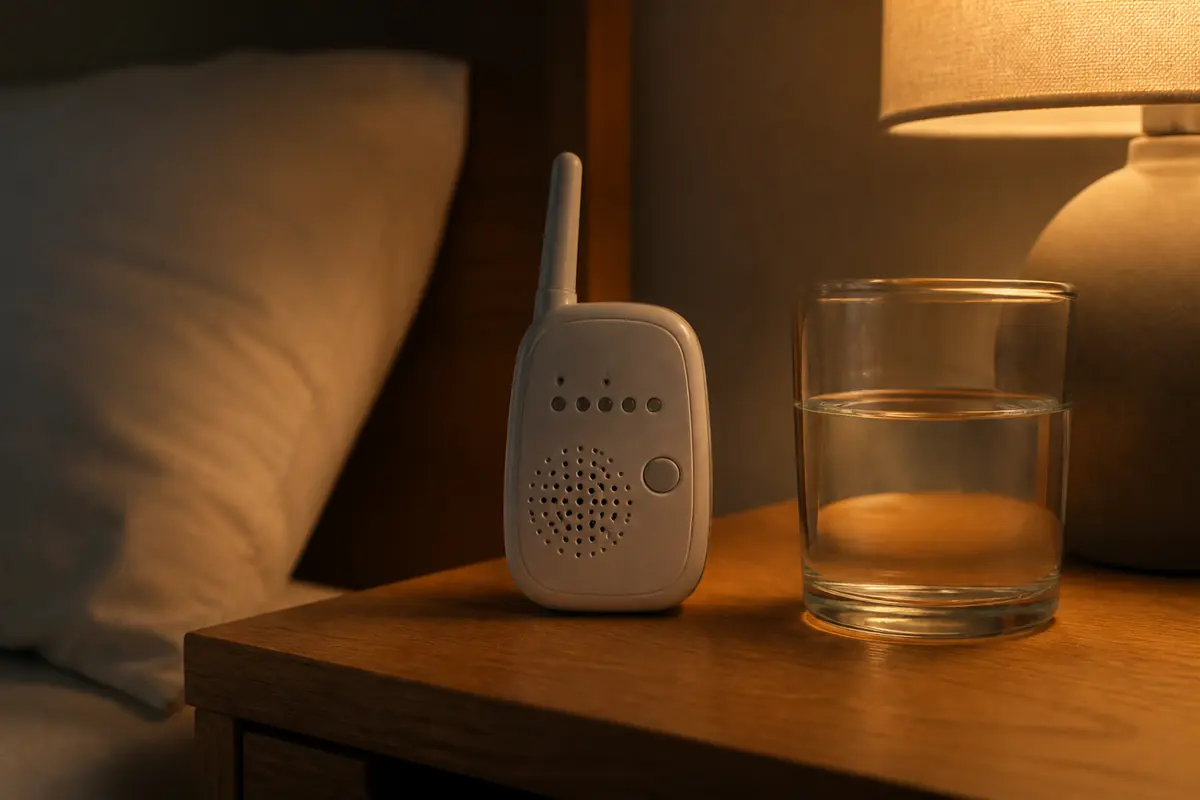
Audio first. You are listening for a change, not watching a livestream. Video helps if you want to check without opening the door, or if two rooms are involved. It also becomes a phone habit. A simple audio unit with a parent receiver is the boring win. Wi-Fi cameras add an account, an app and a privacy surface.
We will not claim a detection range we have not measured. Read the maker’s figures as marketing until you test in your own hallway. Thick Victorian walls eat signal; that is a house fact, not a brand fact.
Ad · affiliate link Browse baby monitors at Argos*
Are movement sensor mats worth it?
Not as a SIDS strategy. A sensor mat is not a clear cot, not back-to-sleep, and not a smoke-free room. It can alarm because a sensor slipped, which is how parents stop trusting alarms. If a clinician issued a monitor for a medical reason, follow them. Do not buy peace of mind that replaces the basics.
The Lullaby Trust’s product pages are the better deep-dive on gadgets vs evidence. Our verdict is the buying one: spend on a firm mattress and a thermometer before a sensor pad.
Do Wi-Fi cameras create a privacy problem?
They can. A camera on a home network is another account, another firmware, and another way a stranger might see a cot. If you buy video, change the default password and keep firmware current. Audio-only with a parent unit avoids an account. Skip any camera that forces a public cloud you cannot turn off.
We are not a security lab and we will not rank camera brands by alleged hacks we have not verified this month. The buying rule is simpler: if you do not need video, do not take on the account. If you do, treat it like a door lock, not a toy. A camera does not replace room-sharing. Pair this page with newborn essentials so a monitor does not jump the queue ahead of a mattress.
Range claims on the box are marketing. Walk to the kitchen with the parent unit before you throw away the receipt. Thick walls in UK terraces eat signal. That test costs nothing and beats a forum thread from a different house.
A monitor is not on the NHS Best Start in Life newborn list, and it is not on The Lullaby Trust’s safer-sleep basics (checked 13 Aug 2026). Treat it as household kit for later, after the mattress and the car seat. If a relative wants to gift one, ask for a retailer voucher so you can choose audio-only when you actually need it.
Which baby monitors are worth comparing in the UK?
Start with audio and a parent unit. Add video only if you will actually glance without opening the door. We have not penetration-tested cameras. Skip movement mats sold as SIDS prevention. Compare range in your own house before you throw away the receipt.
Ad · affiliate link Compare baby monitors at John Lewis*
Example UK options to compare, not a ranked best-of. We have not lab-tested them. Model checks are dated where available. Affiliate links (*). Check the exact listing, seller and included parts before buying.
-
Monitors · Amazon UK
Nanit Pro camera with wall mount
An app-based option for parents who specifically want a Wi-Fi camera. Compare the connection, phone access and ongoing feature costs with a simpler dedicated parent-unit monitor.
Skip if: You need a standalone parent screen, cannot install the mount as instructed, or expect a monitor to replace safer-sleep guidance.
Model, bundle and buying checks
Linked version: White Pro camera + wall mount; not the floor-stand or Flex Stand bundle.
- Check the current included Insights plan and renewal price before buying; features and subscriptions can change.
- Use the supplied cable-management system and manufacturer placement instructions. This is not a medical device or a substitute for room-sharing.
Listing identity checked . Published-source research; no hands-on test. Seller, bundle and availability can change.
Product references:
Nanit Pro research review at Clever Mum. Clever Mum is our sister site under the same ownership; this is related reading, not independent corroboration.
Ad · affiliate link Check Nanit Pro wall-mount bundle on Amazon UK*
-
Monitors · Amazon UK
Audio baby monitor with parent unit
A dedicated parent receiver avoids an app account. Enough for most UK terraces while you room-share less. Walk the house before you keep it.
Skip if: You still room-share and can hear the baby, or you wanted a medical apnoea monitor.
Ad · affiliate link Compare audio baby monitors on Amazon UK*
-
Monitors · Amazon UK
Video baby monitor (non-Wi-Fi first)
Useful if you want to glance without opening the door. Prefer a parent-unit video link over a public cloud if you can find one.
Skip if: You will not change the default password, or a camera would delay room-sharing.
Ad · affiliate link Compare video baby monitors on Amazon UK*
Should you choose an audio, video or Wi-Fi baby monitor?
Choose the simplest monitor that meets the job you need it to do. Audio provides sound, a local video monitor adds a screen, and a Wi-Fi model may offer remote viewing. Compare signal reliability, ease of use, privacy settings and ongoing costs. A monitor does not replace supervision or safer-sleep guidance.
| Type | Potentially useful for | Check before buying |
|---|---|---|
| Audio monitor | Hearing your baby from another room | Sound activation, battery alerts and range inside your home |
| Local video with parent unit | Viewing without relying on your phone | Battery life, screen controls and loss-of-signal alerts |
| Wi-Fi camera or hybrid | An app or remote access you actually need | Account security, update support, subscriptions and behaviour offline |
Do a home trial while you can still use the retailer’s return arrangements. Walk to the places where you would normally use the parent unit and test it with doors closed. An advertised outdoor range cannot predict reception through your walls. Check that you recognise the low-battery and disconnected alerts and can hear the audio at a usable volume.
For an app-based monitor, test what happens when your phone is locked, silenced or in another app. Read which features require a subscription and whether they stop if you cancel. A monitor that needs your main phone for every check creates a different routine from a dedicated parent unit. Our audio versus video comparison explains those trade-offs.
How do you set up a Wi-Fi baby monitor more securely?
Use a strong unique account password, enable two-step verification if available and keep the camera and app updated. Check how long the manufacturer supplies security updates. Turn off remote access if you do not need it. Give access only to intended carers and remove access when it is no longer needed.
The UK National Cyber Security Centre recommends changing default passwords and installing updates for smart cameras and baby monitors. Before buying, find the manufacturer’s security support information and recovery instructions. After setup, check the list of accounts or devices that can view the camera. If you pass the monitor on, follow the manufacturer’s reset and account-removal process.
Keep the camera, its mount and its power lead out of the baby’s reach and follow the installation instructions. Consider where the lead will be as the child grows and becomes mobile. Do not place loose equipment in the cot to improve the camera angle. Use the safer sleep guide for the sleeping environment; extra monitoring features do not make an unsuitable sleep setup safe.
Source: NCSC — Using smart security cameras and baby monitors safely (checked 9 September 2026).
Frequently asked questions
Do I need a baby monitor from birth?
Not if you room-share and can hear the baby. Consider one when they sleep in another room or you cannot hear through the walls.
Are video baby monitors better than audio?
Video is more information, not more safety. Audio is enough for most people. Video adds cost, apps and a reason to stare at a screen at 2 a.m.
Check the evidence
Sources & how to use this guide
Our recommendations use published guidance and product information. We have not physically tested these products. Check the exact model, instructions and retailer listing before buying.
- The Lullaby Trust — Safer sleep advice Source checked: 13 Aug 2026
- NCSC — Using smart security cameras and baby monitors safely Source checked: 9 September 2026
Read next
-
planning
Newborn essentials checklist UK: what to buy
What a newborn really needs in the UK: a room-by-room checklist of essentials, what can wait, what to skip and the safety checks to make before you buy.
-

sleep
Cot mattress buying guide UK: fit & safety
Choose a cot mattress by fit, firmness, waterproof protection and care instructions. UK safer-sleep sources and a practical bedroom setup checklist.
-

sleep
Baby sleeping bag TOG guide UK
Understand baby sleeping bag TOG ratings, room temperature, newborn fit and brand charts. UK safer-sleep sources and practical buying checks.
-
sleep
Travel cots UK: when you need one
Do you need a travel cot? When nights away justify one, mattress safety rules that still apply, and UK travel cot listings worth comparing.
-
sleep
White noise machines UK: do babies need one?
Do babies need a white noise machine? Safe volume levels, why to try a free app or phone first, and the sleep kit to buy before you spend on a machine.
-
gear
Baby car seats UK: i-Size buying guide
Compare baby car seats, R129 and i-Size rules, ISOFIX or belt fitting, complete costs and used-seat risks. UK sources and a practical fitting checklist.
-
gear
Baby changing bags UK: what to skip
How to choose a baby changing bag in the UK: backpack vs tote, what to pack, the features worth paying for, and listings to compare. Not a ranked list.
-

gear
Pushchairs & travel systems UK: buying guide
Compare prams, pushchairs and travel systems for stairs, buses, small homes and car boots. Practical checks to help UK parents choose the right setup.
-
gear
Flying with a baby UK: rules, car seats and buggies
Flying with a baby from the UK: infant lap belts, airline-approved car seats, taking a buggy to the gate, milk through security and what the CAA says.