One place for the little details
My baby plan
By BabyNido editorial team · Published · Last updated
Make room in the budget
Your baby budget
One-off · still to buy
No plan yetMonthly · not yet covered
No plan yetEnter your own estimates in the budget planner. Blank amounts mean unknown.
Open budget planner →Ready when you need it
Your hospital bag
Tick items on the hospital bag checklist to track your packing and review what to leave at home.
View checked items
- No saved items yet.
One step at a time
Your buying timeline
Plan your research, preparations and later purchases using the buying timeline.
View checked steps
- No saved steps yet.
The names you come back to
Your name shortlist
Save favourites in the baby name finder and they will appear here.
Enable JavaScript to save changes in this browser. You can still read and print this page.
Clear your budget, both checklists and name shortlist? Download or print a copy first if you want to keep it. This clears only this browser’s saved data.
Where is my baby plan saved?
Your plan is stored only in the browser you are using. Other devices and browsers have separate plans, and clearing site data removes saved entries. Print or download a copy before changing devices. BabyNido does not receive your amounts, checked items or name shortlist, and cannot recover them for you.
Saved checklists from earlier visits still work here. Downloads contain your personal plan, so keep them somewhere private. The JSON file preserves your entries and the CSV file can be opened in a spreadsheet; neither is an automatic cloud backup. Imports are not currently supported.
A tick records your progress, not a safety check or professional approval. Use your maternity unit’s packing list, manufacturer instructions and the official sources linked from our guides when deciding what is suitable.
Helpful guides for your plan
-

planning
Newborn essentials checklist UK: what to buy
What a newborn really needs in the UK: a room-by-room checklist of essentials, what can wait, what to skip and the safety checks to make before you buy.
-
planning
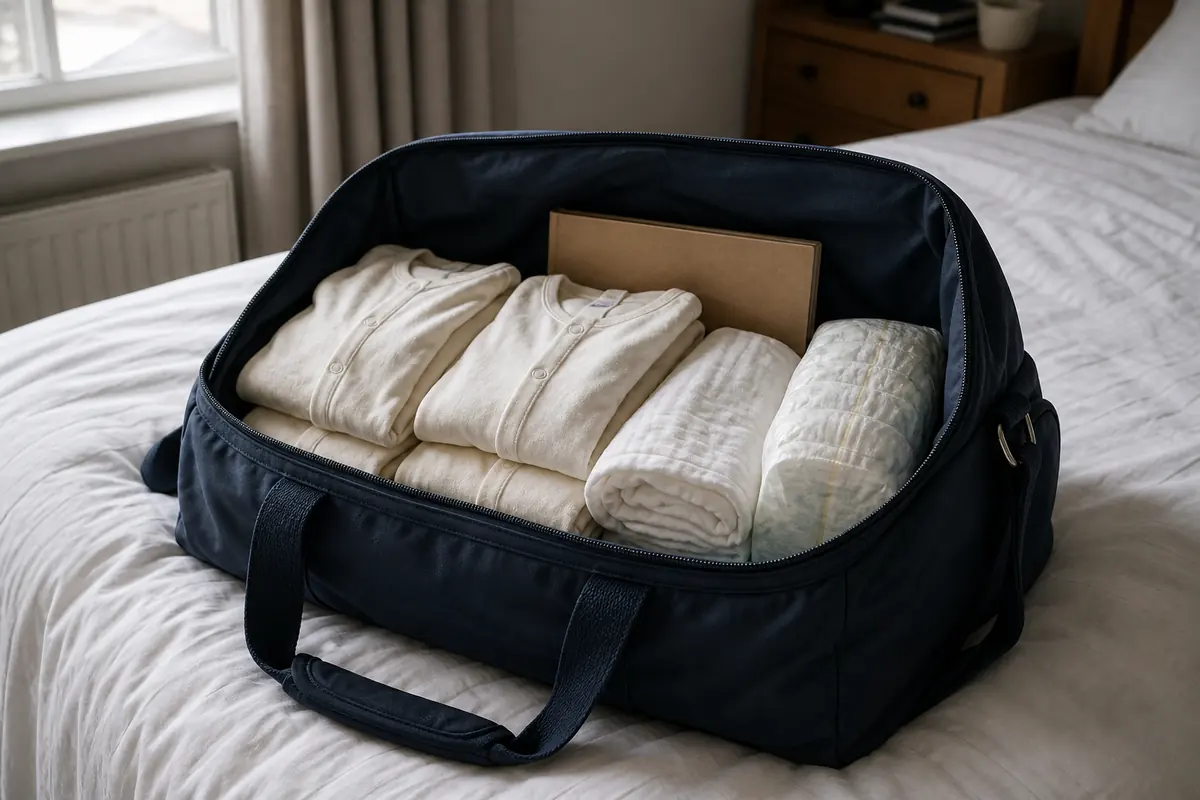
Hospital bag checklist UK: what to pack
What to pack in your hospital bag for labour, baby and the trip home, based on NHS advice. Includes when to pack, what to skip and a free printable checklist.
-
planning
How much does a baby cost in the UK?
Build a baby budget around equipment, running costs, leave and childcare. Practical UK planning steps, ways to save and a free newborn budget tool.
-
planning
When to buy baby stuff UK: a trimester timeline
When to start buying baby things in the UK: a trimester timeline with sleep and the car seat first, what can wait until after the birth and what to skip.
-
planning
UK baby names: meanings and ONS top ten
Compare baby names, sourced meanings and the ONS 2025 England and Wales top ten. Understand spelling, pronunciation and popularity before saving a shortlist.
Frequently asked questions
Can I use my baby plan on another device?
Each browser and device has a separate plan. BabyNido does not upload or sync your entries. Print or download a copy to take with you. JSON keeps the full entries and CSV opens in a spreadsheet; importing a file back into the site is not currently supported.
Will my existing checklist ticks still appear?
Yes, saved hospital bag ticks, buying timeline steps and favourite names from the same browser are recognised. If stored data cannot be read, the page tells you and leaves it unchanged until you choose Reset.
Can BabyNido recover a deleted plan?
No. The data stays in your browser, so BabyNido cannot see or recover it. Clearing site data or using Reset removes saved entries. Keep a printed or downloaded copy if you want a backup.